Knowledge Center
Browse tutorials, FAQs, setup guides, and troubleshooting resources to find quick solutions and learn how our platform works.

Frequently Asked Questions
Find quick answers to common questions about setup, subscriptions, tickets, support, and platform features.
Standard support requests are usually answered within 1 to 2 hours. Priority support requests may receive responses within 30 minutes or faster depending on availability.
Log in to your account, go to the Support Center, click "Create Ticket," select the issue category, and submit your request with complete details.
Yes. Every ticket receives a unique ID that allows you to monitor status updates and responses directly from your dashboard.
Include a clear issue description, screenshots if available, error messages, and any important details that help our team understand the problem.
Yes. Our AI assistant can help answer common questions and provide instant solutions for frequently reported issues.
Mark your ticket as high priority and provide complete details. Urgent requests are reviewed faster based on support availability
You can access our Knowledge Center to browse tutorials, setup instructions, troubleshooting guides, and useful resources.
Yes. If your issue still exists or you need additional assistance, you can reopen the ticket or create a new request.
Need Help? Create a Support Ticket
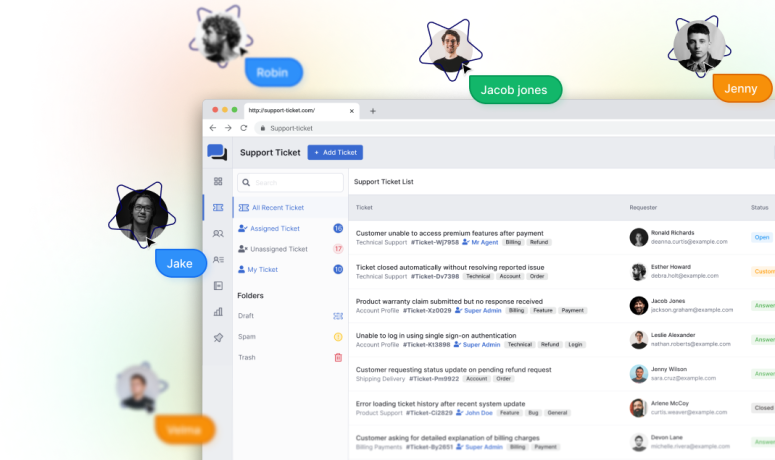
Connect with our support team through organized ticket management. Get updates, track progress, and resolve issues efficiently.
Submit Ticket24/7 AI Assistance
Fast Response Time
Expert Support Team